I’ve created a new sample, demonstrating Runtime Flow API usage. The RFDtoTXT command line utility extract the full method calls sequence from a .rfd file and saves it in a plaint text file.
Usage: RFDtoTXT.exe log.rfd log.txt
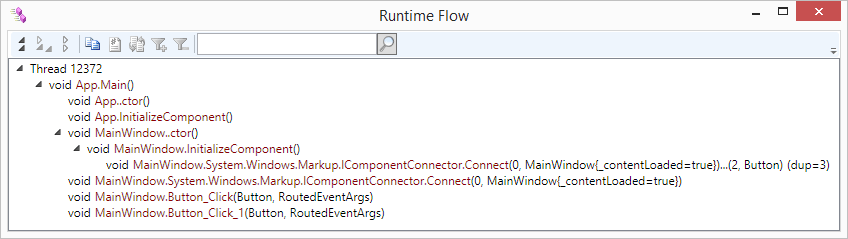
Thread 12372
 void App.Main()
  void App..ctor()
  void App.InitializeComponent()
  void MainWindow..ctor()
   void MainWindow.InitializeComponent()
    void MainWindow.System.Windows.Markup.IComponentConnector.Connect(0, MainWindow{_contentLoaded=true})...(2, Button) (dup=3)
  void MainWindow.System.Windows.Markup.IComponentConnector.Connect(0, MainWindow{_contentLoaded=true})
  void MainWindow.Button_Click(Button, RoutedEventArgs)
  void MainWindow.Button_Click_1(Button, RoutedEventArgs)
Main sample code is shown below:
public void Convert()
{
    foreach (RuntimeFlowExt.ThreadNode t in flow.flow)
    {
        outputFile.WriteLine(formatter.ThreadName(t));
        foreach (RuntimeFlowExt.FlowNode f in t.children)
            ConvertFlow(f, 1);
    }
}

private void ConvertFlow(RuntimeFlowExt.FlowNode node, int offset)
{
    outputFile.WriteLine(new string(' ', offset) + formatter.FunctionCall(node));
    foreach (RuntimeFlowExt.FlowNode f in node.children)
        ConvertFlow(f, offset + 1);
}
Download sample code: RFDtoTXT_10.zip.

 Runtime Flow blog (Understanding a control flow in a running .NET application)