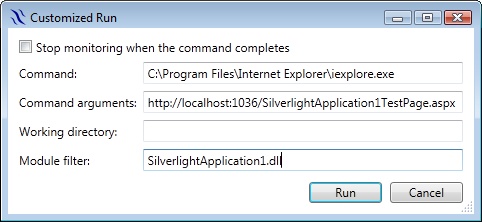
To monitor an ASP.NET application you should start an ASP.NET development server under Runtime Flow monitoring and then just browse to the application in a web browser. Visual Studio 2010 example:
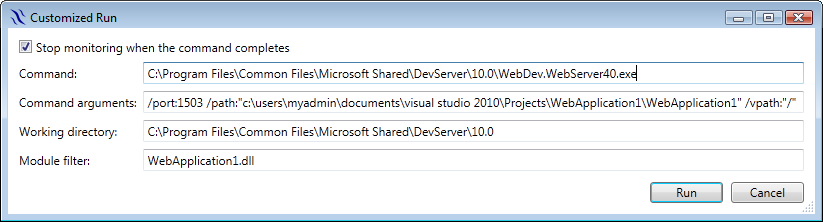
Customized Run settings to start ASP.NET monitoring in VS 2010
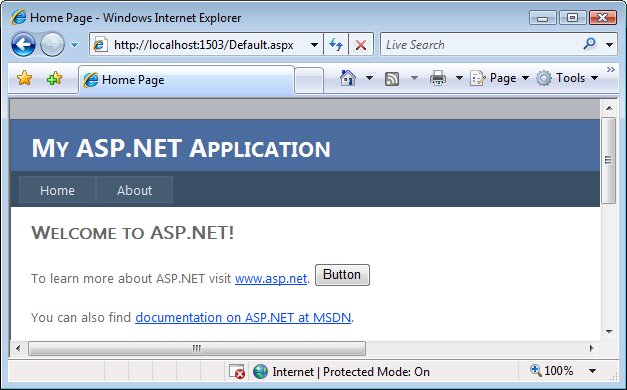
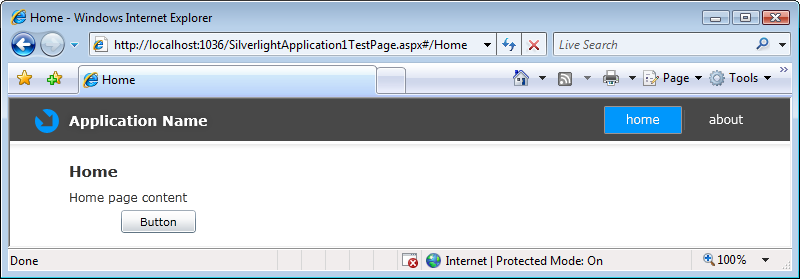
An ASP.NET web application created in VS 2010

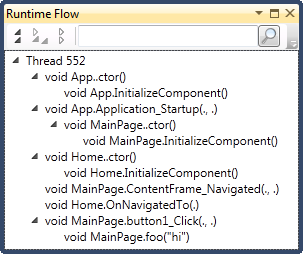
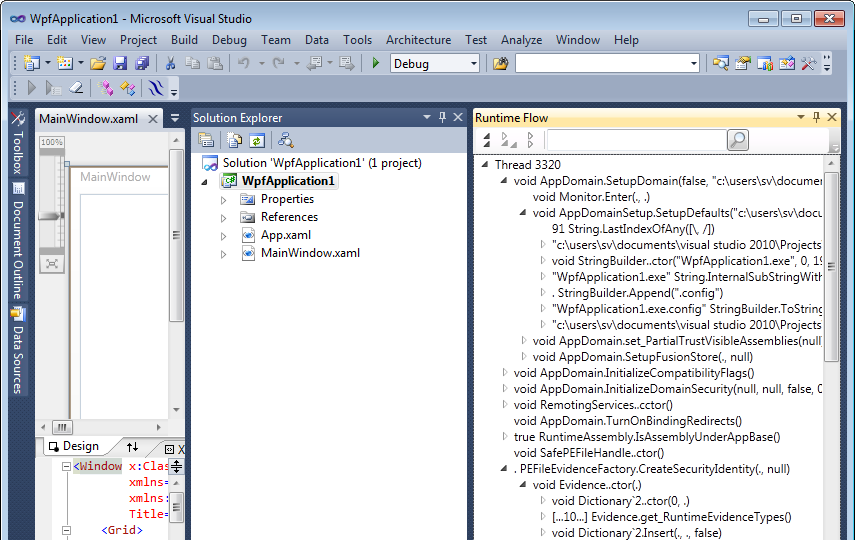
Runtime Flow of the ASP.NET web application in VS 2010
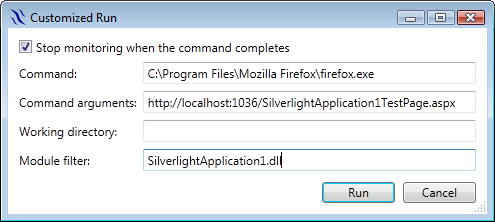
Visual Studio 2008 example:
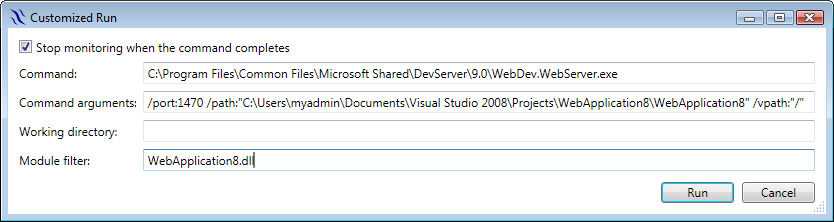
Customized Run settings to start ASP.NET monitoring in VS 2008

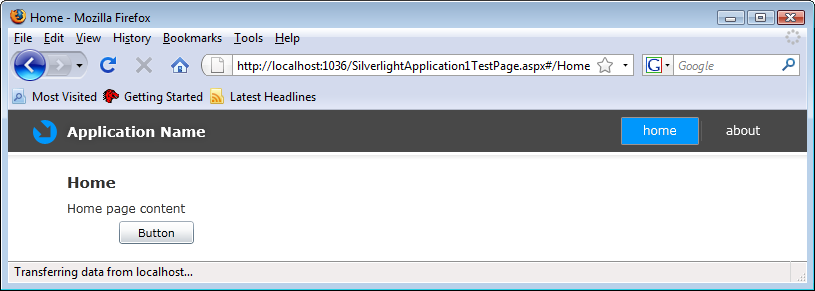
Runtime Flow of an ASP.NET web application in VS 2008
To go to the source when clicking on a function in a flow, currently you need to manually copy the corresponding pdb file to the temporary ASP.NET files folder:
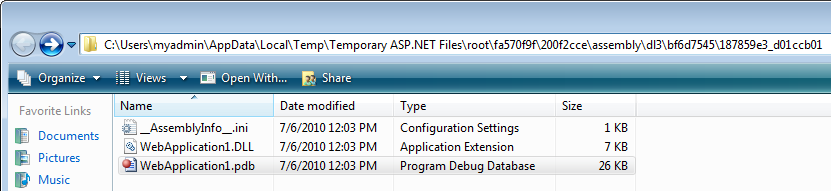
Temporary ASP.NET files folder


 Runtime Flow blog (Understanding a control flow in a running .NET application)